
Music between live programmes
Upload audio you have permission to use and arrange playlists. AutoDJ can play music when nobody is broadcasting live. Programming depends on your station settings.
Your programme. Your sound.
Starting your own radio station begins with an idea and an online home for your sound. AzuraCast Hosting lets you manage music, playlists and live broadcasts. Drechthosting provides hosting and technical management so you can focus on making radio.
AutoDJ · Live radio · Personal support
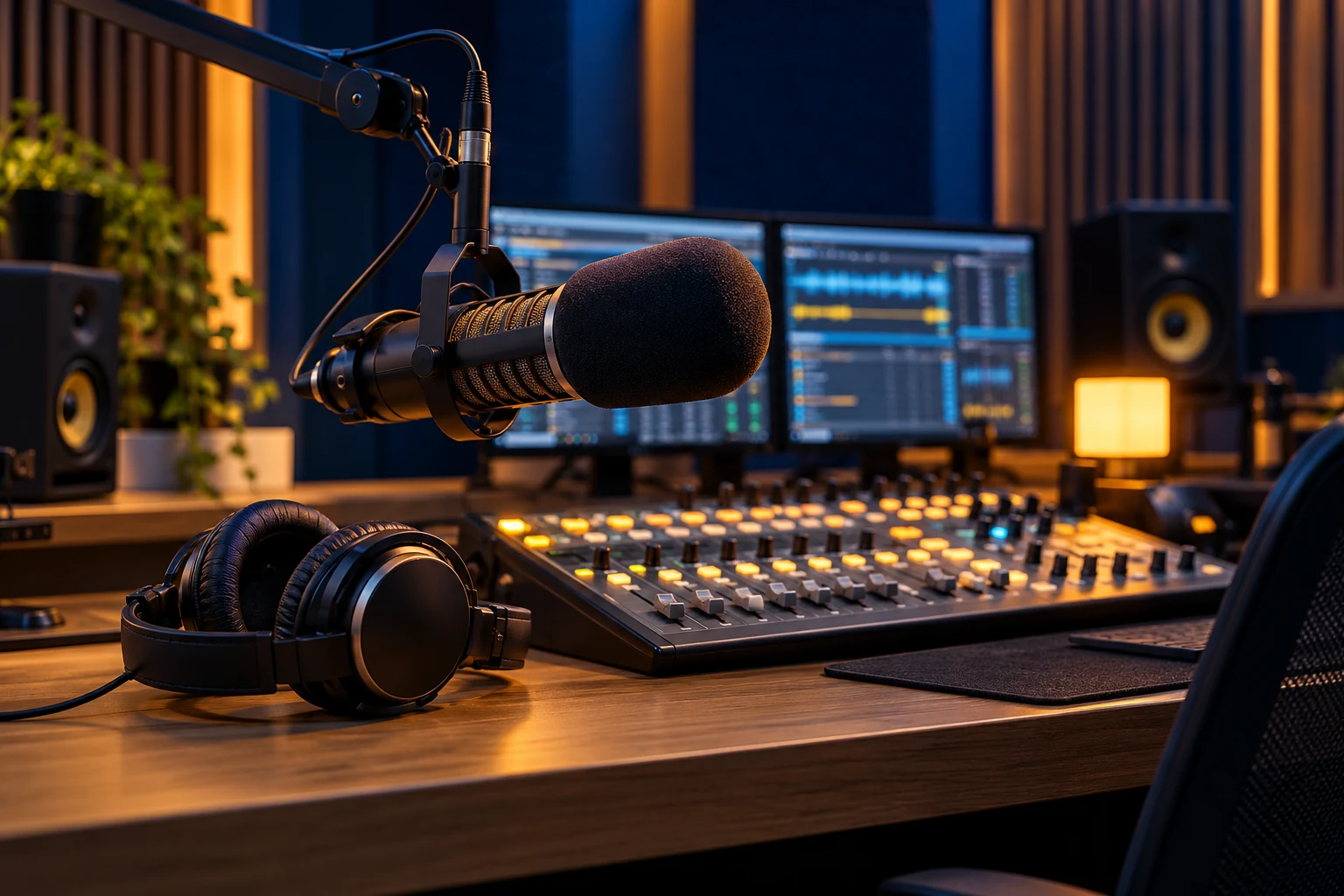
Planning a music station, interview programme or club radio? Start with your audience and format, then choose the technical foundation. Radio hosting distributes audio over the internet; standard website hosting does not do that automatically. Listeners use a listening link or a player on your website. With our hosted AzuraCast service, you do not need to install a server yourself.
Your station in practice
Upload audio you have permission to use and arrange playlists. AutoDJ can play music when nobody is broadcasting live. Programming depends on your station settings.
Use a microphone and compatible broadcasting software. Create a DJ account and copy the connection details from your panel. Test sound levels, the connection and the return to AutoDJ before going live.
Share your listening link and explore a station page or website player. Check that listeners can open the stream easily on a phone and computer.
Consider AutoDJ storage, concurrent listeners, traffic and audio quality. The AzuraCast service page lists current plans. Ask for help if you are unsure what you need.
Drechthosting is based in Papendrecht. Whether you are starting a music station or working with several presenters, discuss your broadcast setup and hosting questions by phone or online.
Start with a recognisable programme: which music, interviews or local topics will make your station worth listening to? Explain when you broadcast and how listeners can participate. Clubs and local initiatives often benefit from one stable listening link and clear contact information.
This regional guide covers Papendrecht. Drechthosting provides support from Papendrecht by phone or online. The internet stream can be heard beyond the region; our AzuraCast VPS servers are hosted within the EU.
Make room for your programme
Tell us how you want to broadcast and which software you use.
You do not need every answer yet. Share a public station or website address if you have one. Never include passwords or DJ credentials in the enquiry form.
Compare current plans and discuss storage, listeners, audio quality and any existing station.
Set up your library and DJ accounts. Test live audio, AutoDJ and the listening experience.
Publish your listening page and schedule. Keep account access and public links current.
Explore the existing AzuraCast demo before choosing. Storage, listener capacity and traffic differ by plan. Features depend on settings and software version. Music permissions and any licences remain your responsibility. A station website or website development is arranged separately.
A programme idea, audio you can legally use and radio hosting are the foundation. Live radio also needs a suitable internet connection, broadcasting software and audio equipment.
AutoDJ uses the media library on your hosting. Your broadcasting device does need to stay connected during a live show.
No. You arrange the necessary permissions and any music licences. Hosting does not grant permission to broadcast protected material.
Your next broadcast starts here
We help you choose a suitable hosting setup.
Your radio plans
Explore starting a station, the control panel and connecting your broadcasting software.

AzuraCast Hosting in Papendrecht. AzuraCast, AutoDJ and live radio. Explore the demo, compare plans and ask Drechthosting for advice.
Explore radio hosting →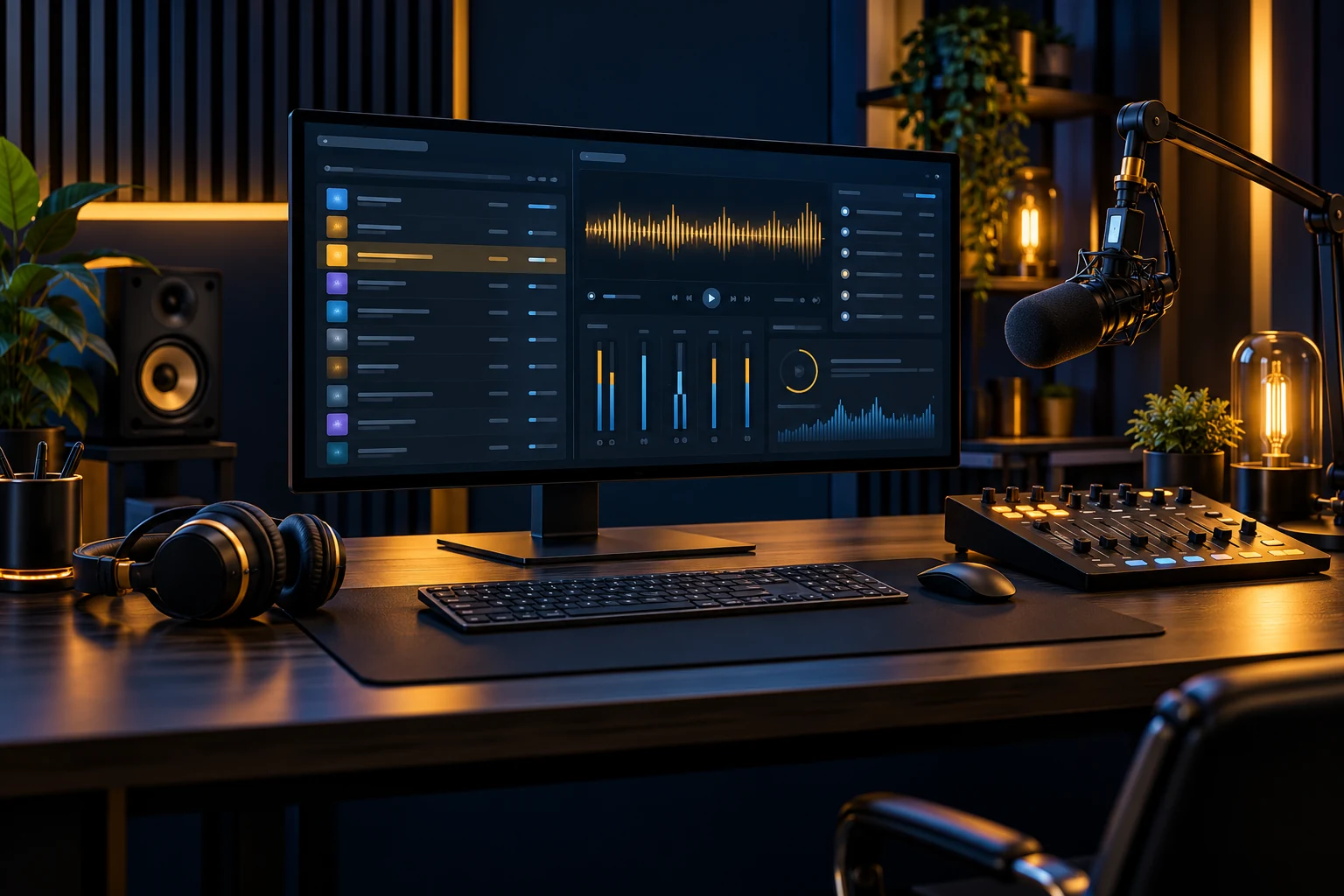
Radio hosting with a control panel in Papendrecht. AzuraCast, AutoDJ and live radio. Explore the demo, compare plans and ask Drechthosting for advice.
Explore radio hosting →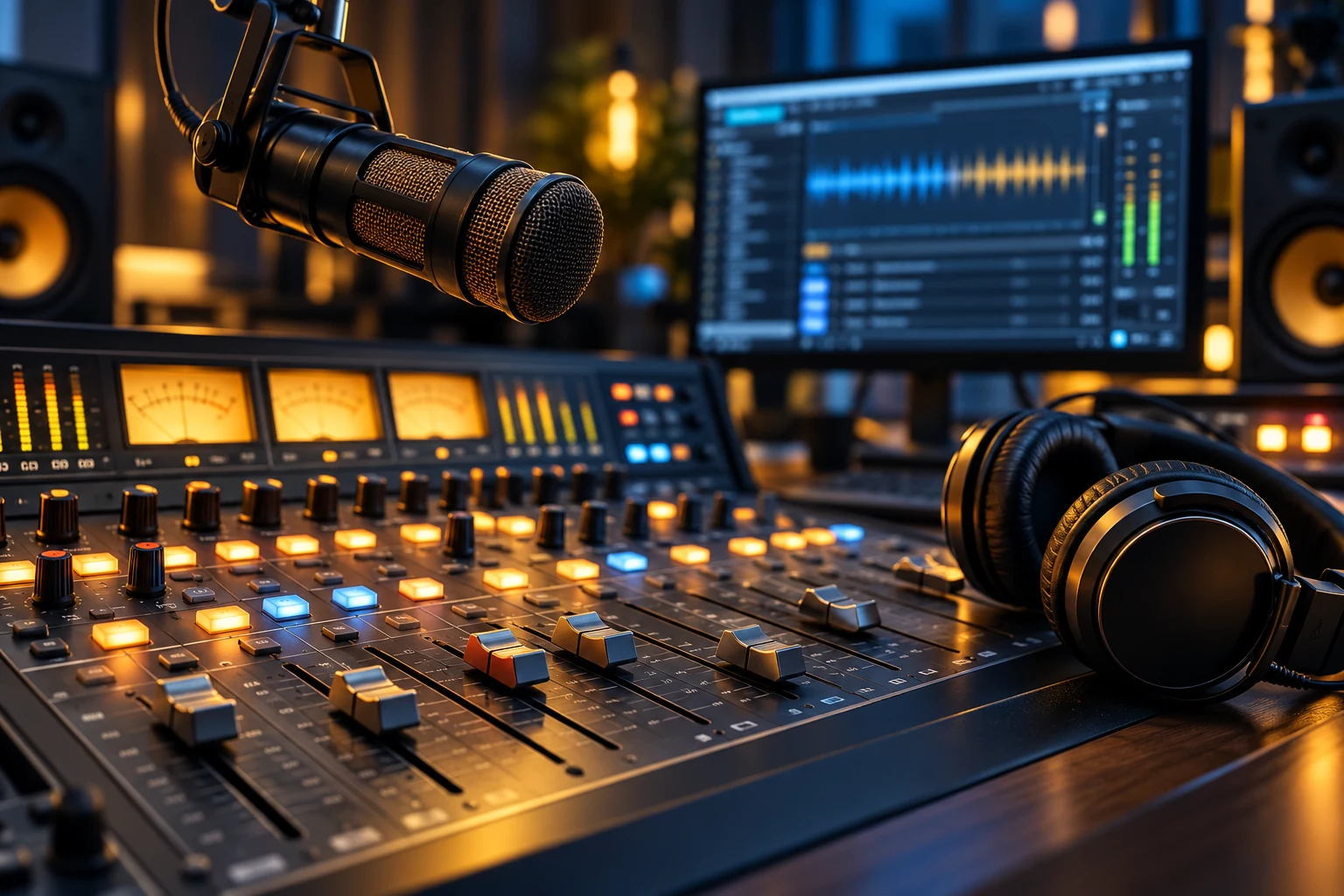
SHOUTcast radio hosting in Papendrecht. AzuraCast, AutoDJ and live radio. Explore the demo, compare plans and ask Drechthosting for advice.
Explore radio hosting →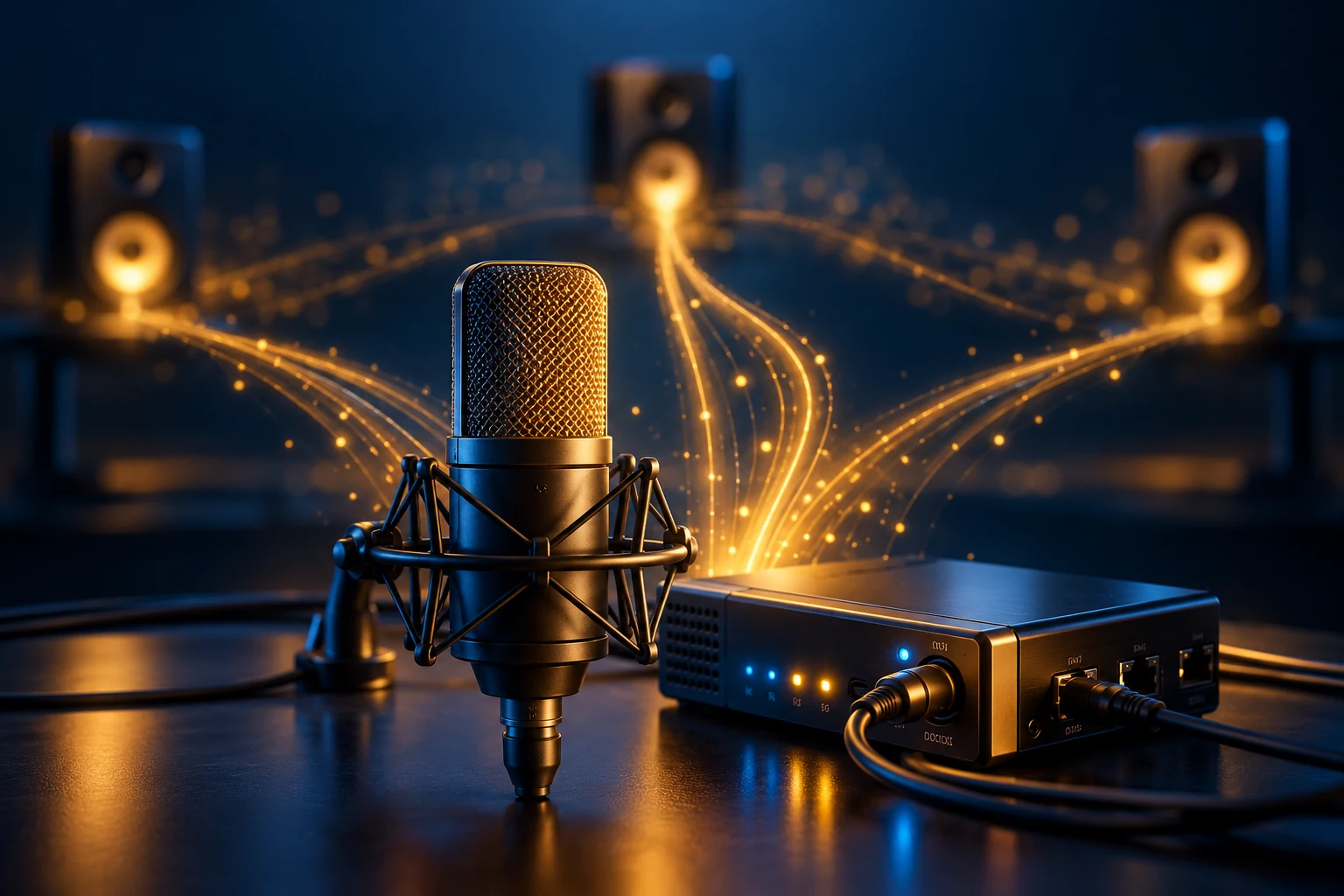
Icecast radio hosting in Papendrecht. AzuraCast, AutoDJ and live radio. Explore the demo, compare plans and ask Drechthosting for advice.
Explore radio hosting →Support from Papendrecht for radio makers across the Netherlands.