How do I change my PHP version?
You may want to use a different PHP version than the one that is enabled by default. You can easily change the PHP version via cPanel.
Step-by-step guide
Step 1. Log in on cPanel.
Step 2. Click under the category Software on Select PHP Version.
Step 3. Click on the dropdown menu, select the desired PHP version and click Set as current to save the selection. The default PHP version is as native is indicated.

Enabling and disabling PHP modules
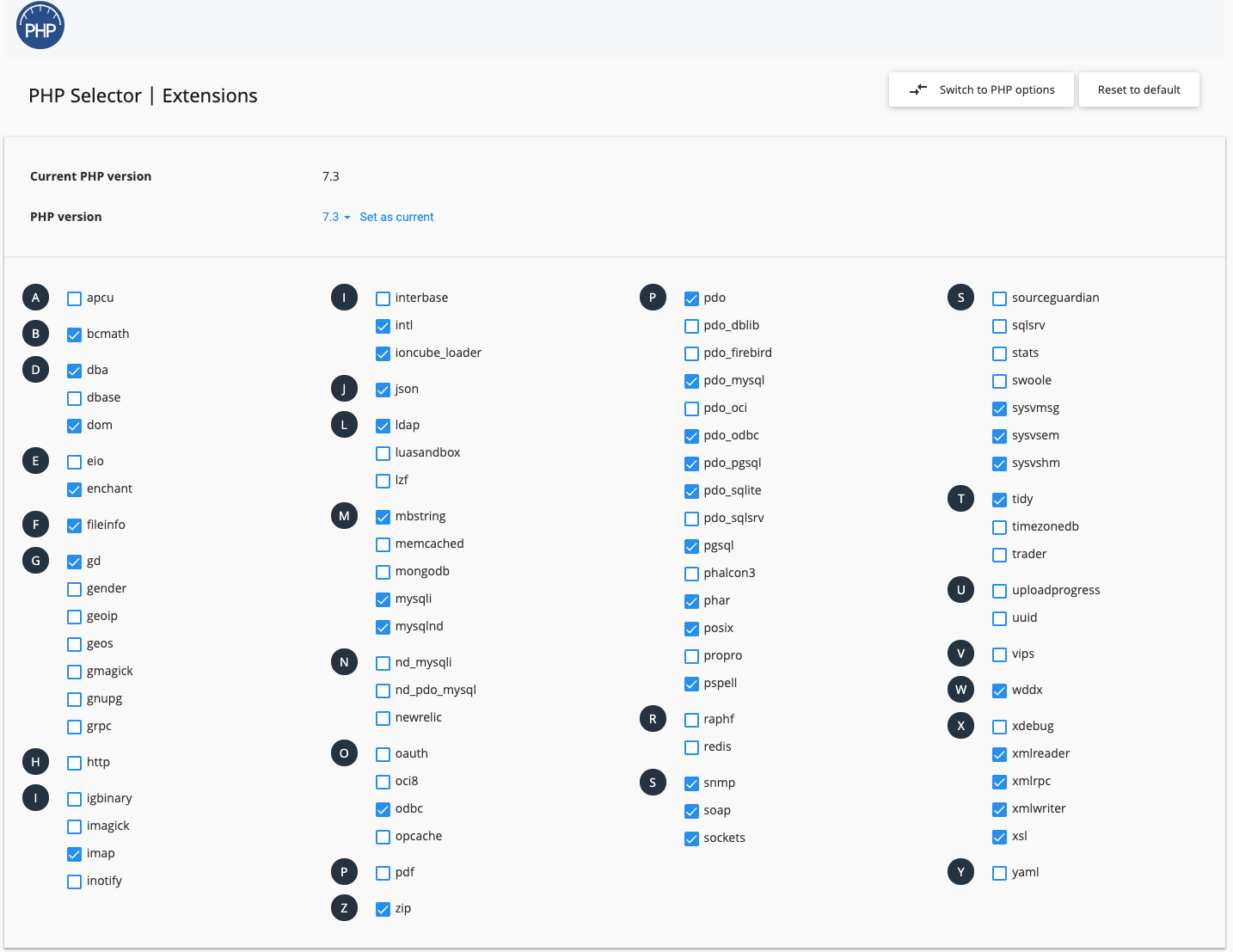
If you no longer use the default (native) PHP version, you can turn on and off the different PHP modules. You can do this by placing or removing a check mark for the name of the module. When you place or remove a check mark, it will be automatically saved and the module will be activated. If you want to restore the modules to the default settings, click on the top right Reset to default.
Changing PHP settings
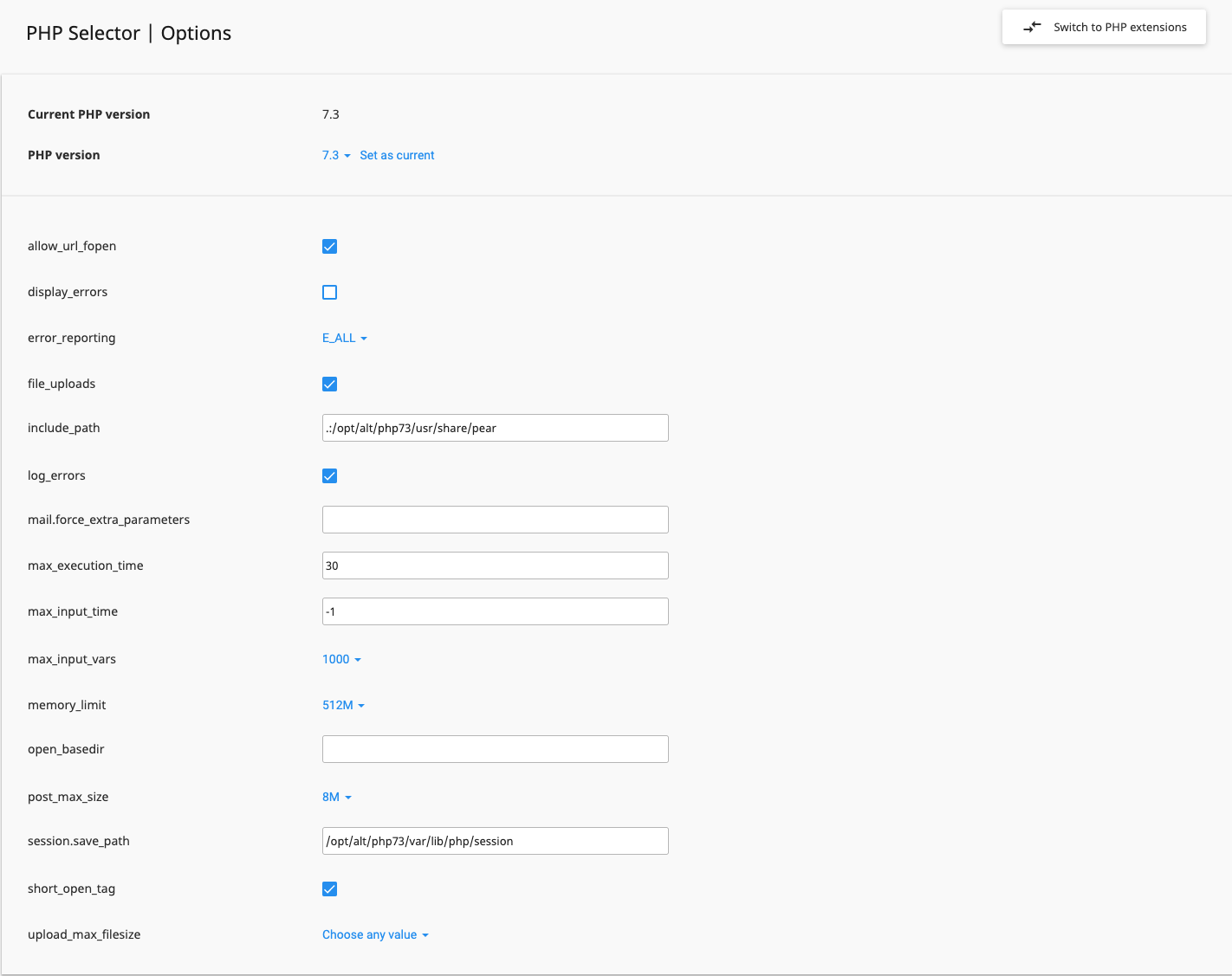
You can also change the PHP settings when you are not using the default PHP version. You do that by clicking on Switch to PHP options. Then click on the text or the check mark next to an setting and make the desired change. If you make a change, it will be saved immediately.