
Unfortunately, no support is provided on the calendar function and this manual is only intended to set it up.
By syncing your calendar you can view the same calendar on all devices. You never miss an appointment:)
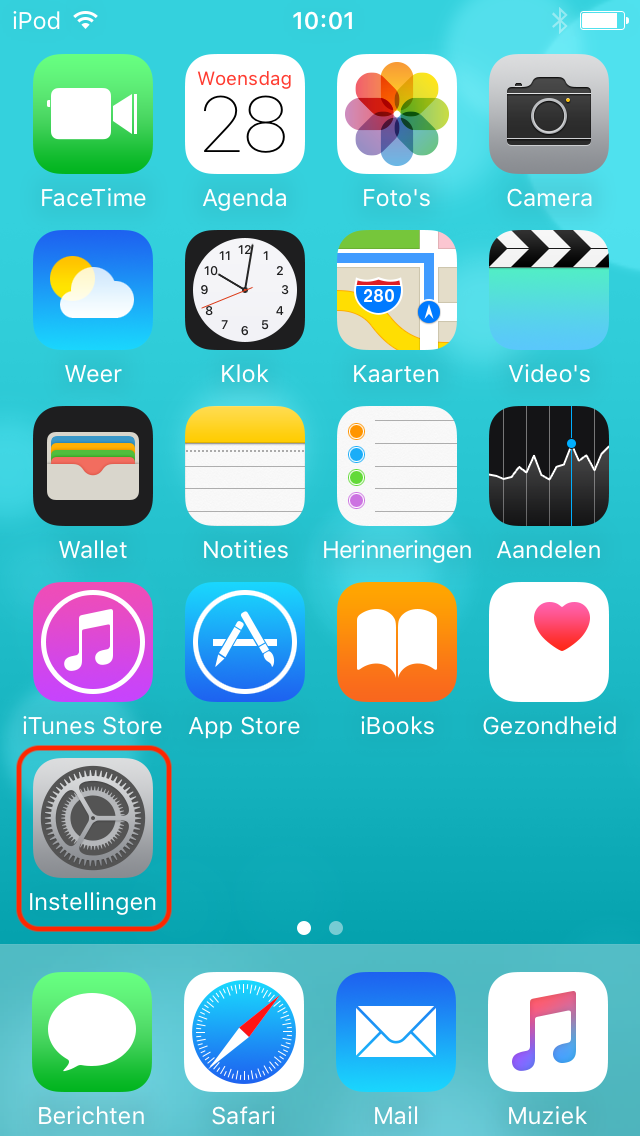
Step 1. Open the Settings
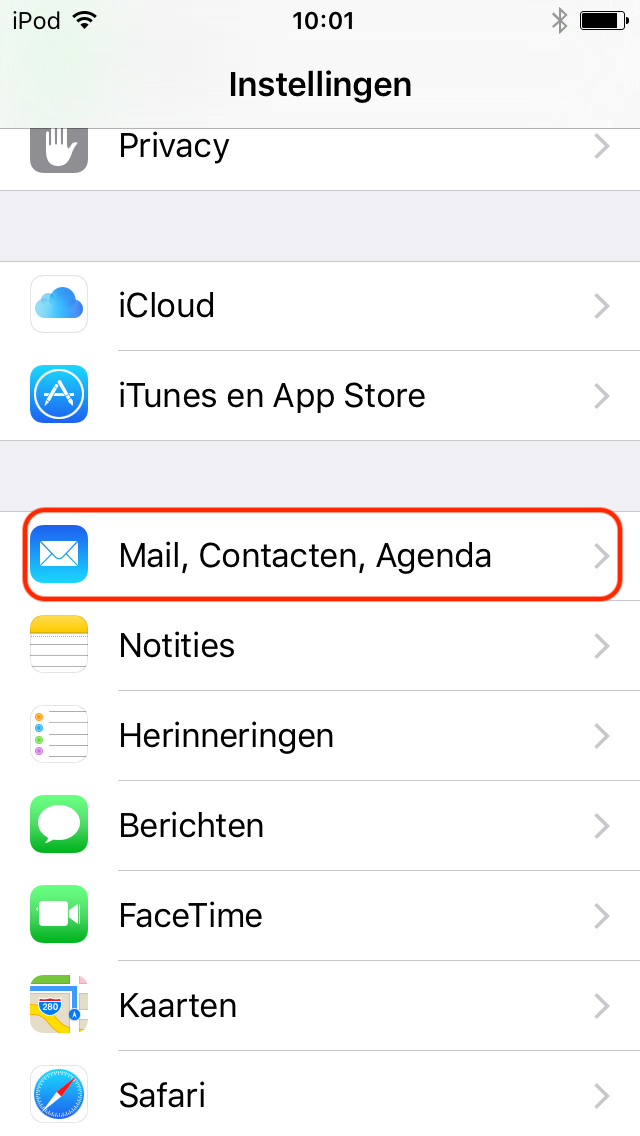
Step 2. Go to Mail, Contacts, Calendar
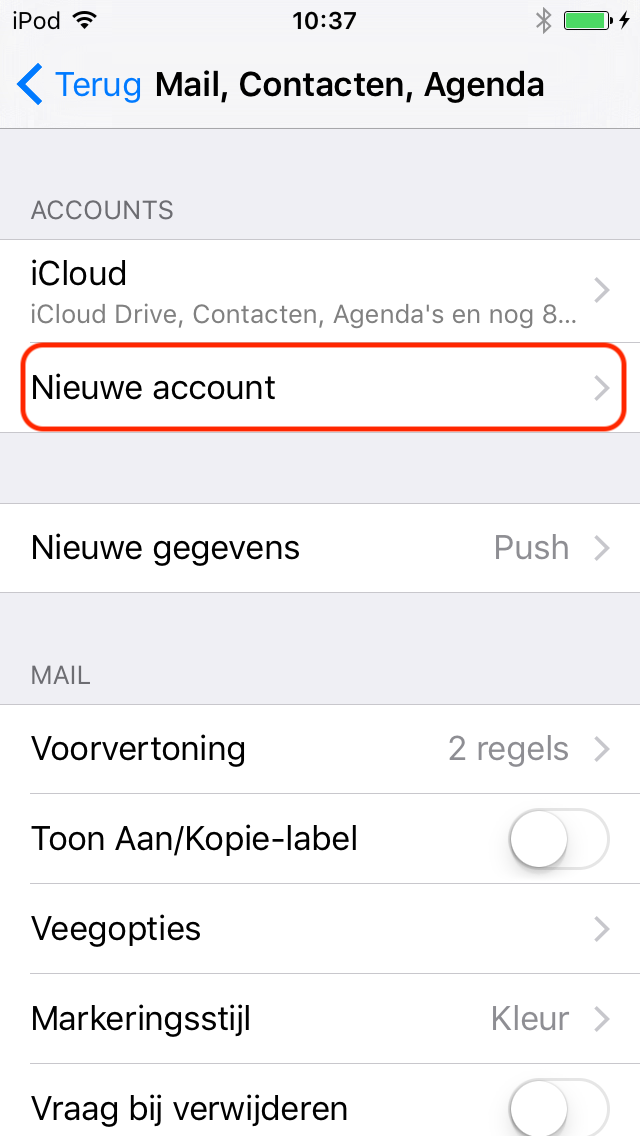
Step 3. Click New Account
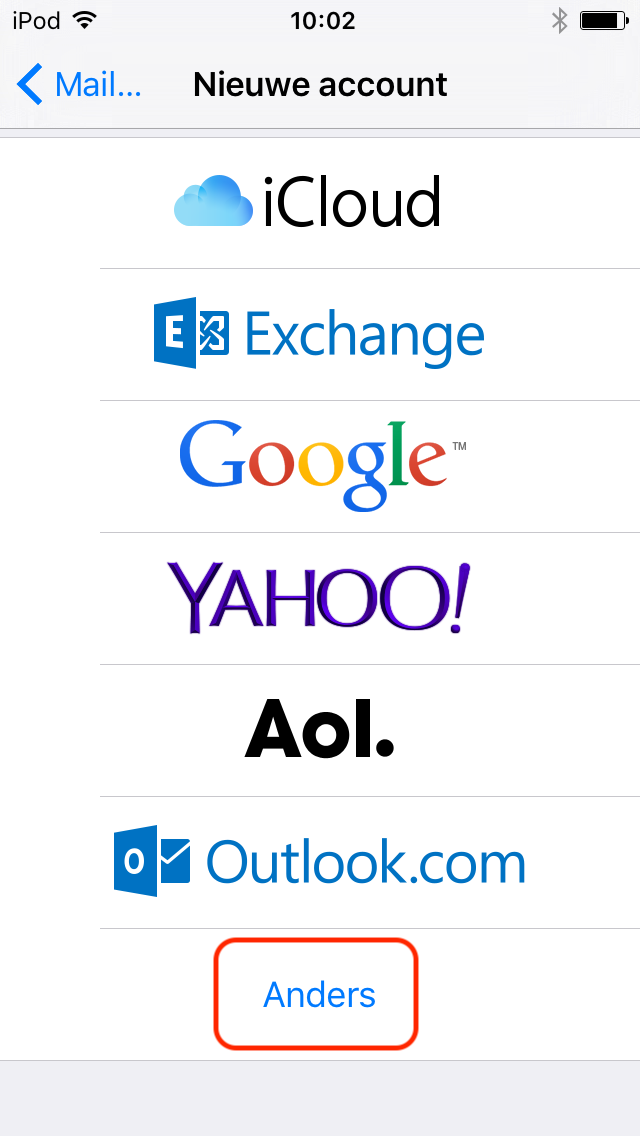
Step 4. Click Other
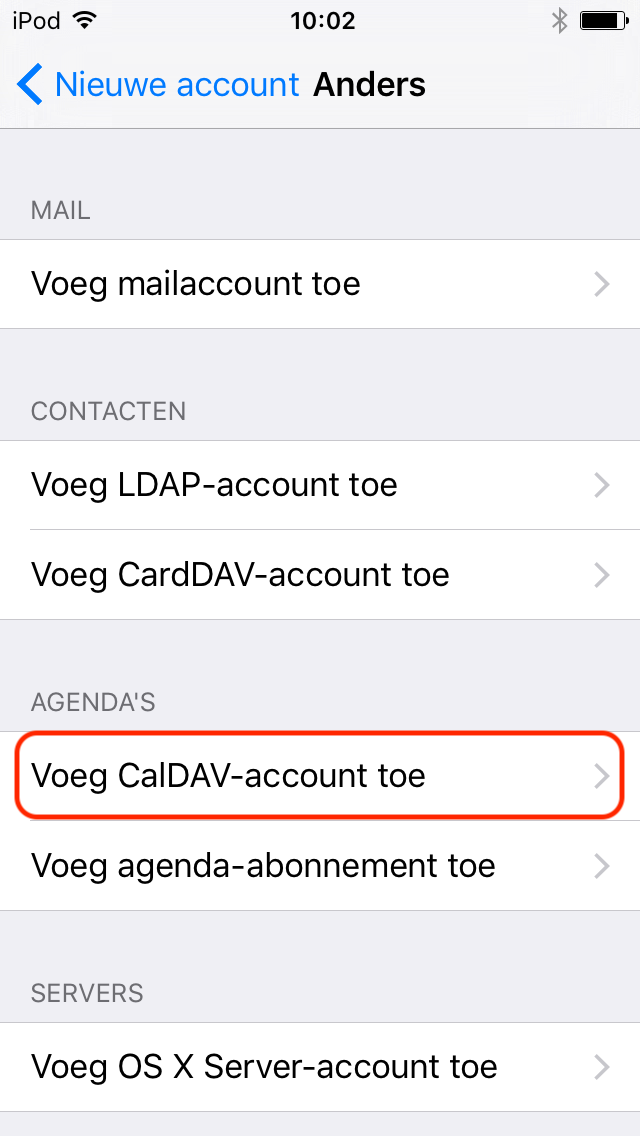
Step 5. Choose Add CalDAV Account
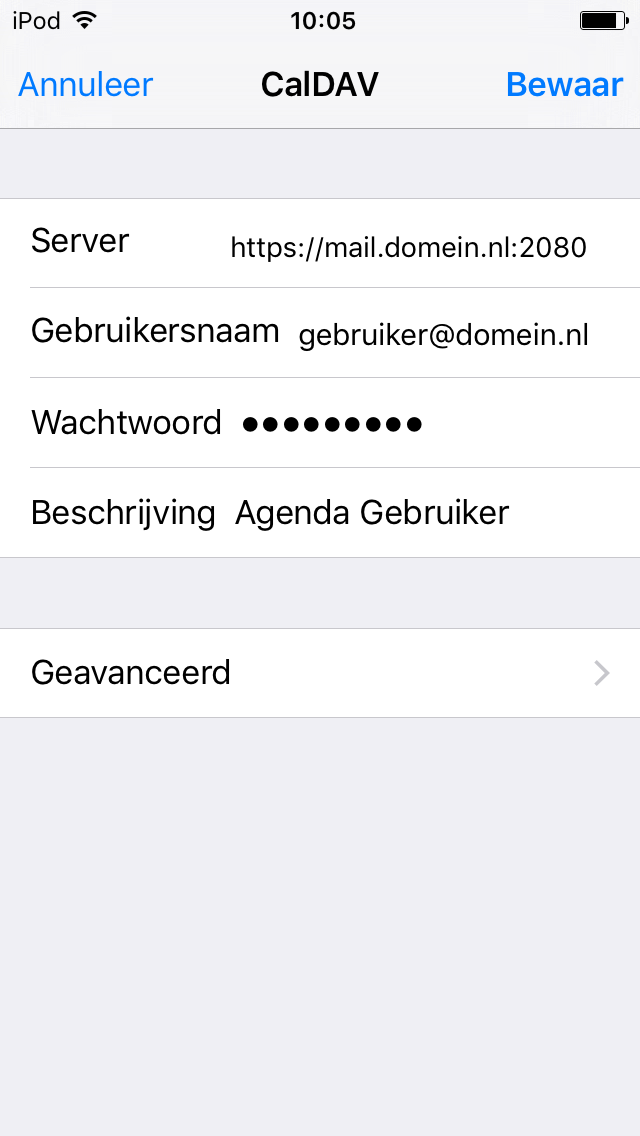
Step 6. Please fill in the following details:
Server: https://mail.domain.nl:2080 (replace domain.nl here by your own domain)
Username: The mail address
Password: The password of the mail address
Description: Enter a name of the calendar here
Click Here Store
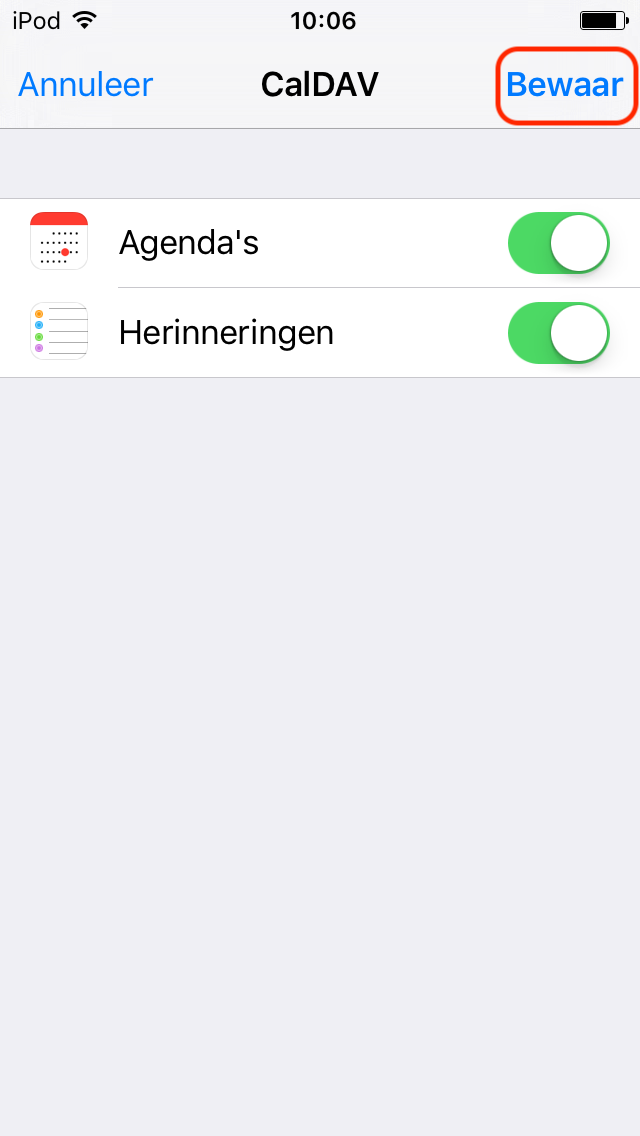
Step 7. Click on this button again Store
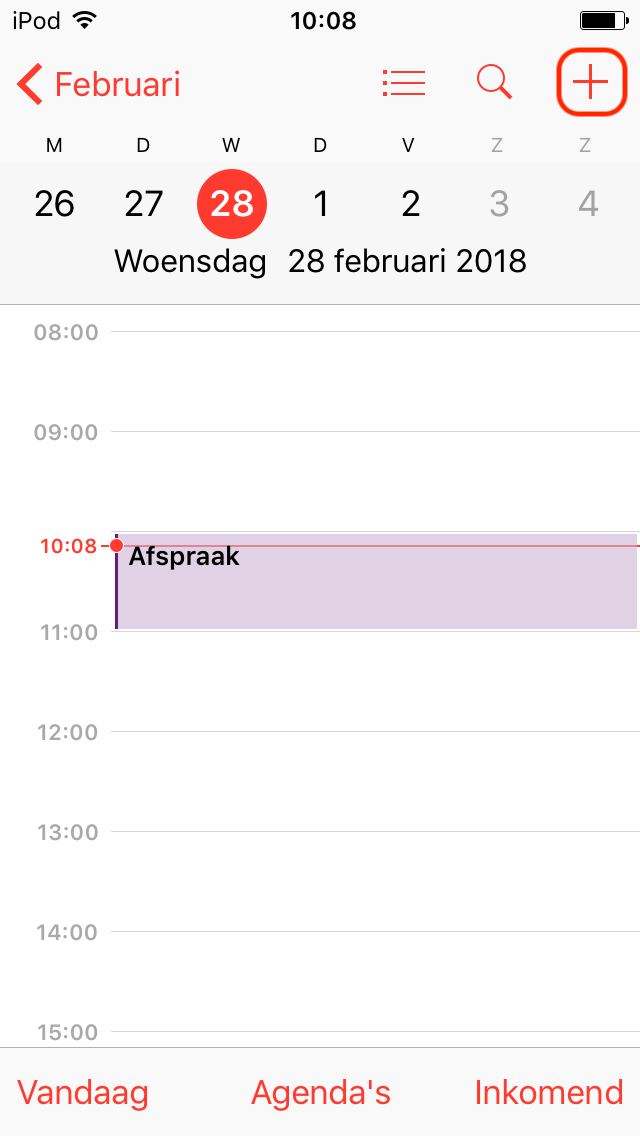
Step 8. Open the calendar app and press the plus sign
Step 9. Click Calendar
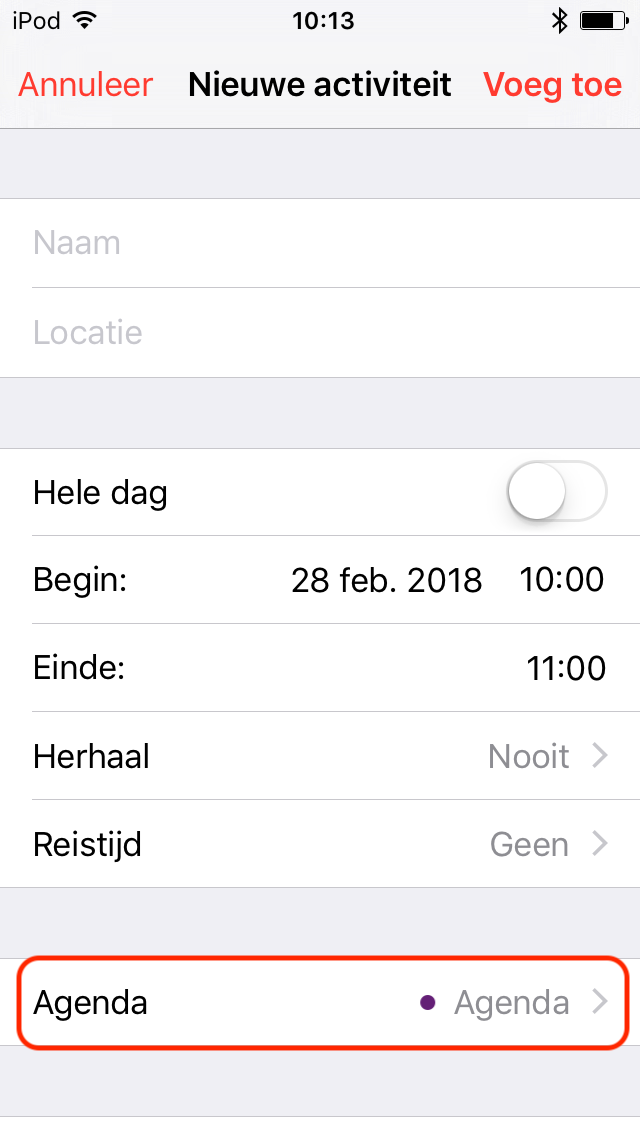
Step 10. Select the right calendar to sync with
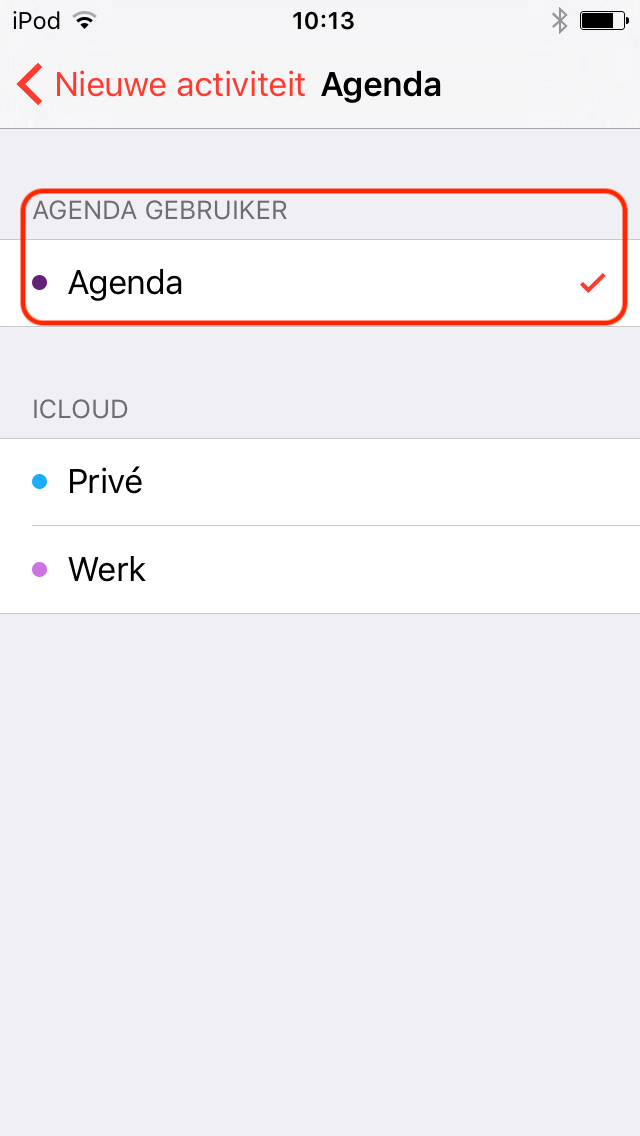
The calendar now sync to the server