
If, for example, you CMS like WordPress manual installed, or you have website moved from another hosting party, it is not always included in SoftaculousIn this article we show you how to install this installation import, so you can also install in Softaculous manage.
What is Softaculous?
Softaculous is an installation plugin in cPanel, which can install popular scripts such as WordPress, Joomla, Magento and many more scripts. For more information about for example installing WordPress with Softaculous we refer to the WorPress installation article.
Step-by-step: importing an existing installation into Softaculous
Step 1: Log in to cPanel.
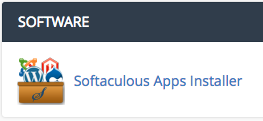
Step 2: Go under the heading Software to Softaculous Apps Installer.
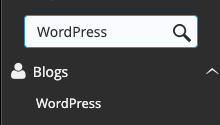
Step 3.: Go to the script what you want to import. In this example we use WordPress, so we search for WordPress.
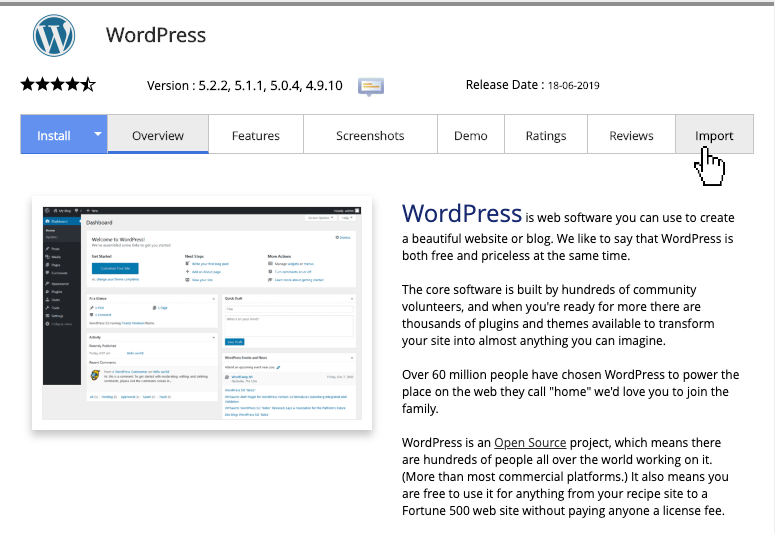
Step 4.: Click on Import.
Step 5.: Select the location from the script, this will be the domain and, where applicable, subdirectory of this installation.
Step 6.: Click on ImportYour script has now been imported.