
Organise media
Keep the library clear and arrange playlists. Agree who uploads files, how they are named and what content may be used.
Your programme. Your sound.
Radio hosting with a control panel gives you an overview of music, playlists and live shows. Drechthosting uses AzuraCast. We provide hosting while you organise your station in the browser.
AutoDJ · Live radio · Personal support
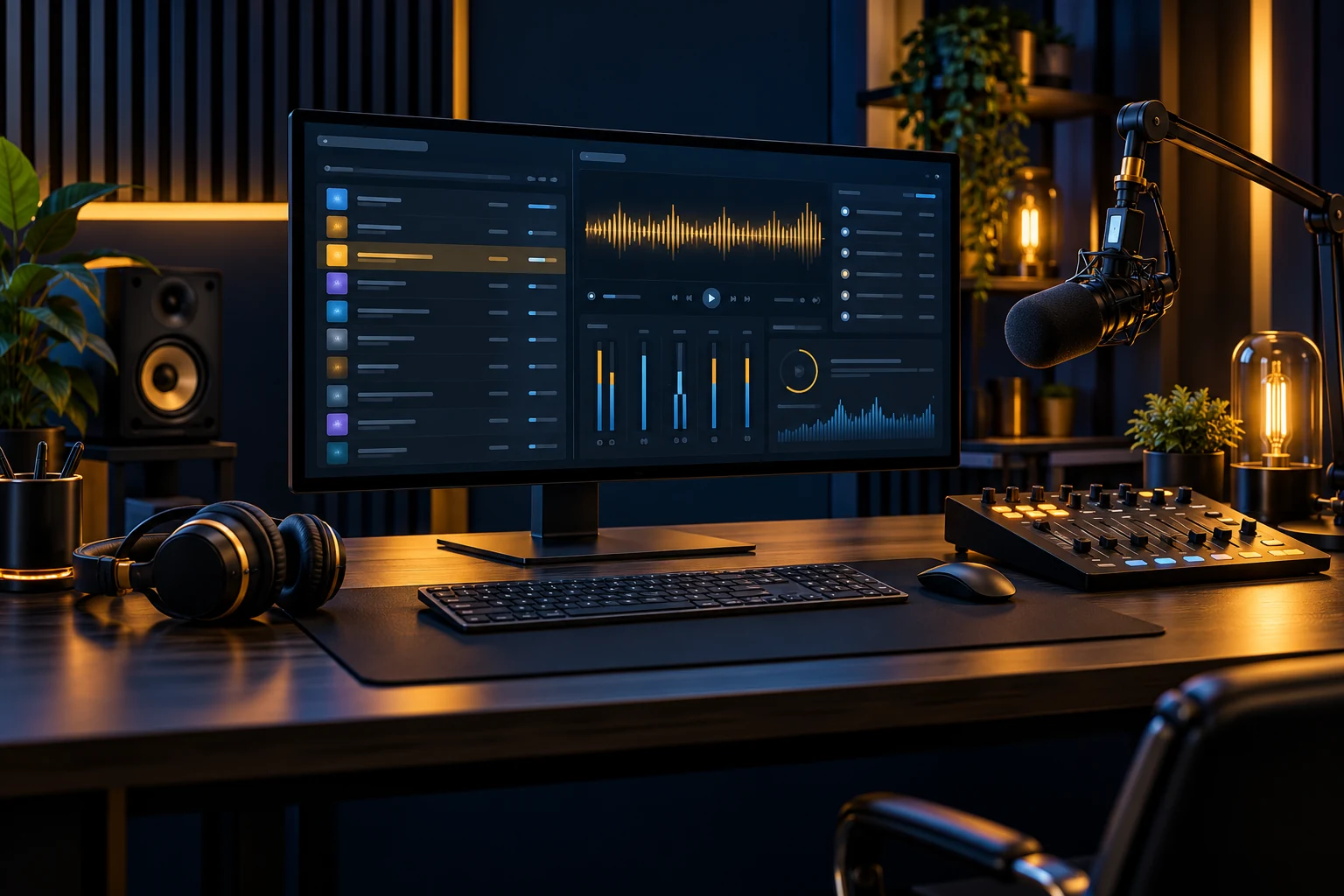
A station involves more than a stream: finding media, changing playlists, connecting presenters and sharing listening links. A control panel brings everyday tasks together. AzuraCast helps you organise the station while we manage the hosting infrastructure.
Your station in practice
Keep the library clear and arrange playlists. Agree who uploads files, how they are named and what content may be used.
Set up scheduling for your programme. Check time settings and test playback order rather than relying only on what the panel shows.
Use individual DJ accounts and the right connection details. Your team does not need to share one main account password.
Review the information your station provides and share its listening link. Statistics depend on settings and connections and are not guaranteed unique people.
For a station in Utrecht, Amersfoort or the Gooi, continuity also needs clear roles. Decide who updates playlists and handles a dropped live connection before announcing new programmes.
When volunteers and presenters work from different places, clear roles help. Agree who checks playlists, applies changes and handles connection questions. An online panel supports working together without everyone using the same computer.
This regional guide covers Utrecht, Amersfoort, Hilversum, Bussum. Drechthosting provides support from Papendrecht by phone or online. The internet stream can be heard beyond the region; our AzuraCast VPS servers are hosted within the EU.
Make room for your programme
Tell us how you want to broadcast and which software you use.
You do not need every answer yet. Share a public station or website address if you have one. Never include passwords or DJ credentials in the enquiry form.
Compare current plans and discuss storage, listeners, audio quality and any existing station.
Set up your library and DJ accounts. Test live audio, AutoDJ and the listening experience.
Publish your listening page and schedule. Keep account access and public links current.
Explore the existing AzuraCast demo before choosing. Storage, listener capacity and traffic differ by plan. Features depend on settings and software version. Music permissions and any licences remain your responsibility. A station website or website development is arranged separately.
Yes. Drechthosting radio hosting uses AzuraCast for media, playlists, DJ access and other station tasks.
We provide hosting and technical management. For live shows, you use suitable broadcasting software and equipment.
The demo is an introduction. Features depend on the version, plan, permissions and your station settings.
Technical background from the software publisher: AzuraCast station management.
Your next broadcast starts here
We help you choose a suitable hosting setup.
Your radio plans
Explore starting a station, the control panel and connecting your broadcasting software.
Start your own radio station in Utrecht, Amersfoort and the Gooi. AzuraCast, AutoDJ and live radio. Explore the demo, compare plans and ask Drechthosting.
Explore radio hosting →
AzuraCast Hosting in Utrecht, Amersfoort and the Gooi. AzuraCast, AutoDJ and live radio. Explore the demo, compare plans and ask Drechthosting for advice.
Explore radio hosting →
SHOUTcast radio hosting in Utrecht, Amersfoort and the Gooi. AzuraCast, AutoDJ and live radio. Explore the demo, compare plans and ask Drechthosting for advice.
Explore radio hosting →
Icecast radio hosting in Utrecht, Amersfoort and the Gooi. AzuraCast, AutoDJ and live radio. Explore the demo, compare plans and ask Drechthosting for advice.
Explore radio hosting →Support from Papendrecht for radio makers across the Netherlands.